How to Find Organic Traffic Data in Google Analytics 4
Short Hills Design
-
Login to Google Analytics at analytics.google.com.
-
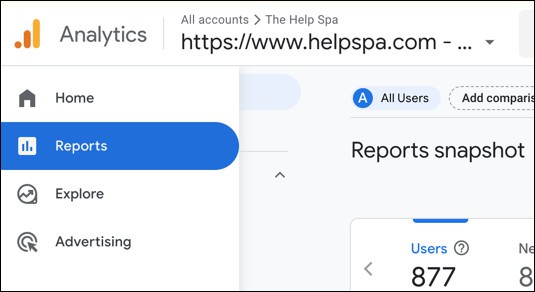
In the left-hand column click Reports.
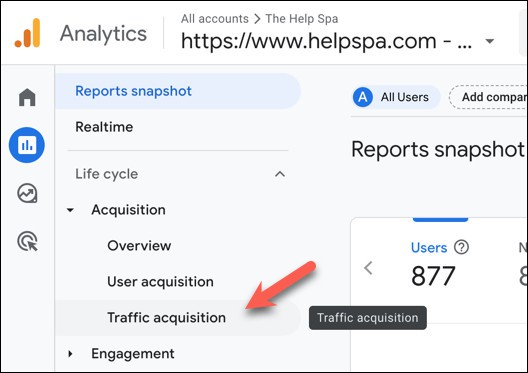
3. Click Acquisition -> Traffic acquisition.
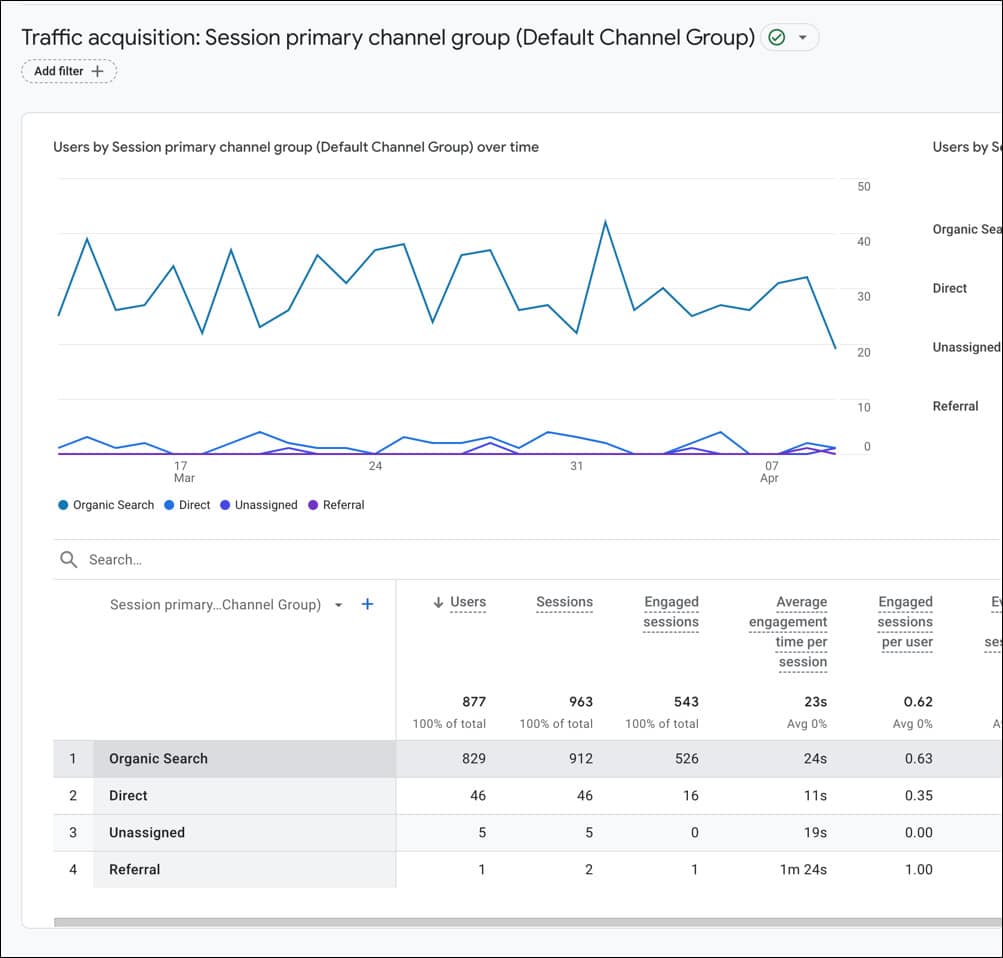
4. View your organic traffic at the bottom in the table.
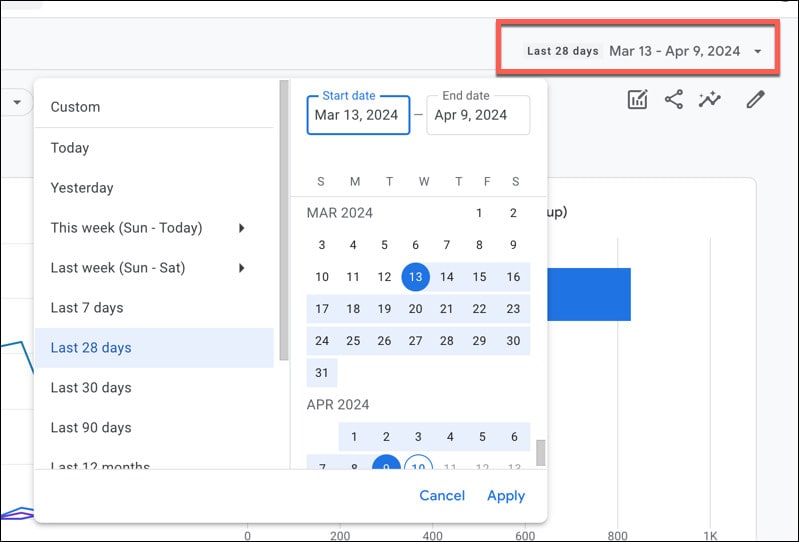
5. Adjust the dates as needed at the top right.